Tutorial

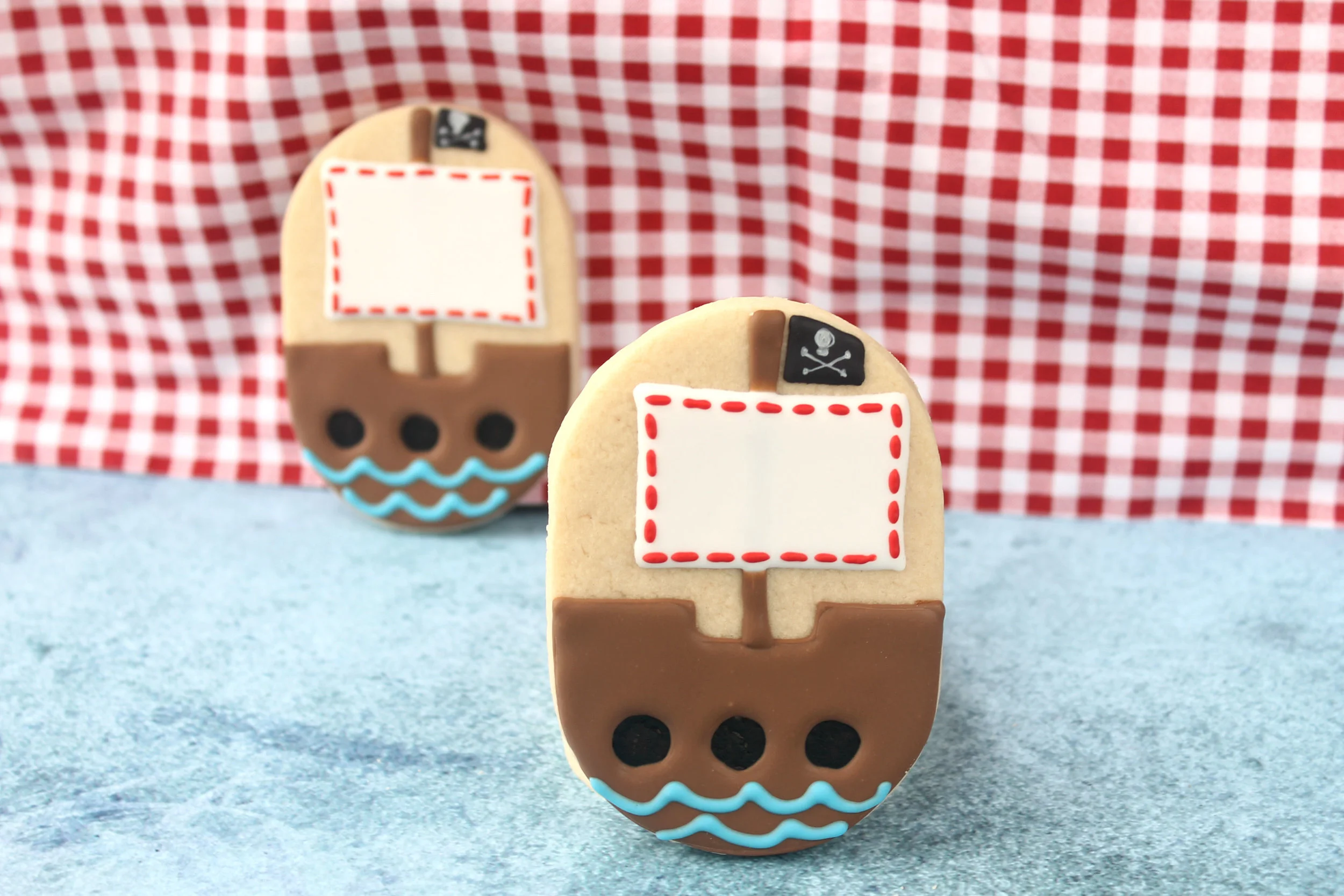
Pirate Ship Decorated Cookie (Tutorial)

Oh the pirates...... my first grandbaby has a baby room decorated in a pirate theme.
So naturally the baby shower was also themed in pirates.

Every pirate must have a ship to sail, right?

A chubby oval shape works perfectly for this pirate ship.

Using a tiny round cutter (or other circle template) and a black marker, make the portholes on the lower half of the cookie.
I used a 1/2" circle cutter to outline the circles using Sugarbelle's template markers, and then I filled them in with an Americolor black marker.

Outline & flood the bottom 2/3 of cookie with brown glaze (be sure to outline the portholes too).
(see photo below)

Add a brown mast from the center of the ship to the top of the cookie.
Allow it to dry for 1-2 hours.
Then add the large white sail and the smaller black sail. (see photo below)

If desired, add red stitch lines around the white sail, blue scallops on the bottom of the ship to represent waves, and paint a skull-crossbones on the black sail with Americolor white gel.

Ahoy matey...... you're ready to sail. :)


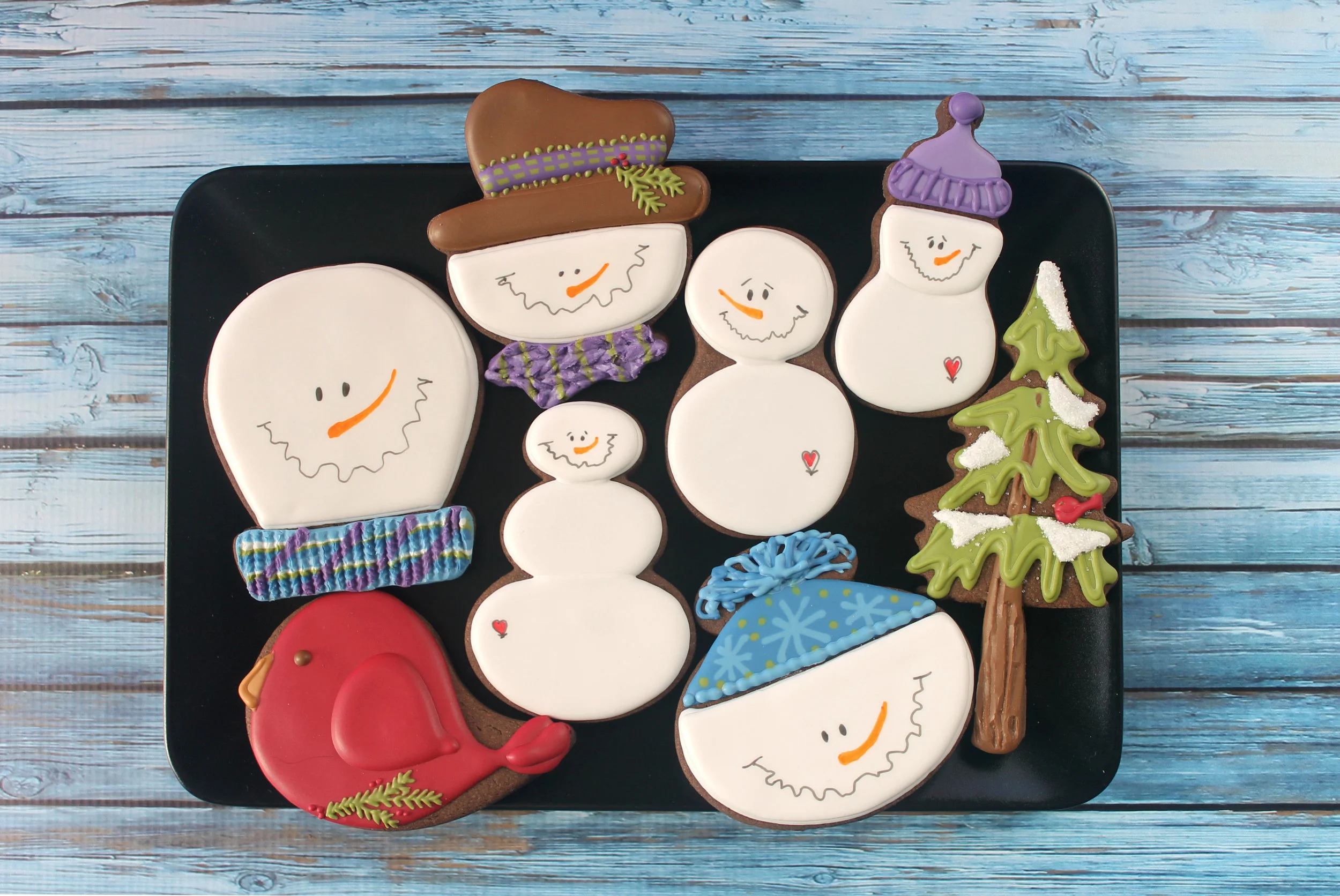
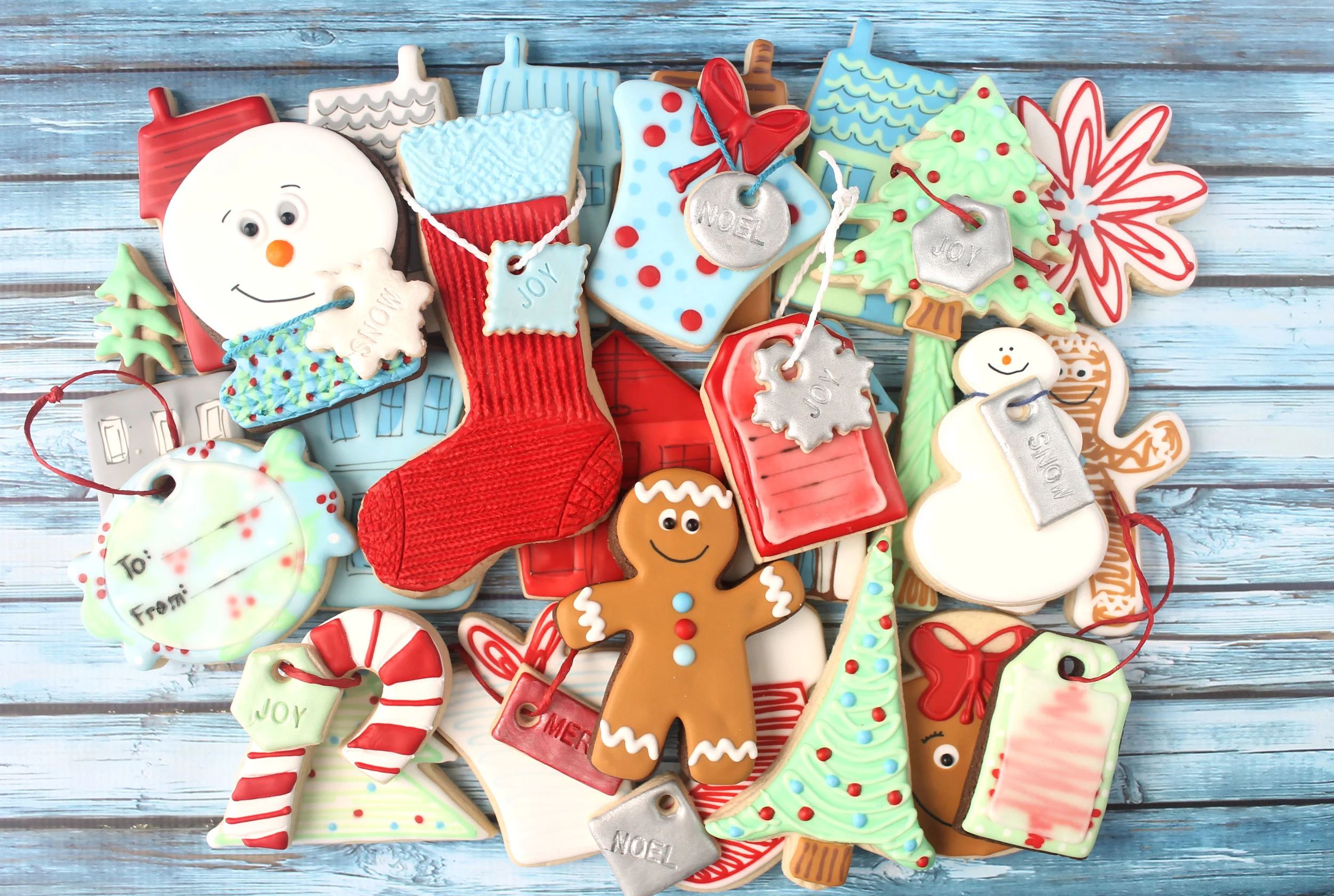
Snowmen Cookies from SugarBelle Cutters (Tutorial)

When I first purchased some of SugarBelle's new cutters,
I immediately saw snowmen shapes galore.
So finally, I'm getting a chance to try them all out. :)

These snowmen could be done many different ways, so this is just my versions.
I'd love to see your variations, if you try these out.

All of these cutters are found in the ShapeShifters set, except for the scarecrow (found in an exclusive harvest set at Michaels) and the baby bottle (in the Special Delivery set). The cutters from L to R and Top to Bottom: tombstone/horseshoe (SS), Scarecrow, baby/flip flop (SS), skull/ballerina head (SS), baby bottle, snowman/baby rattle (SS).


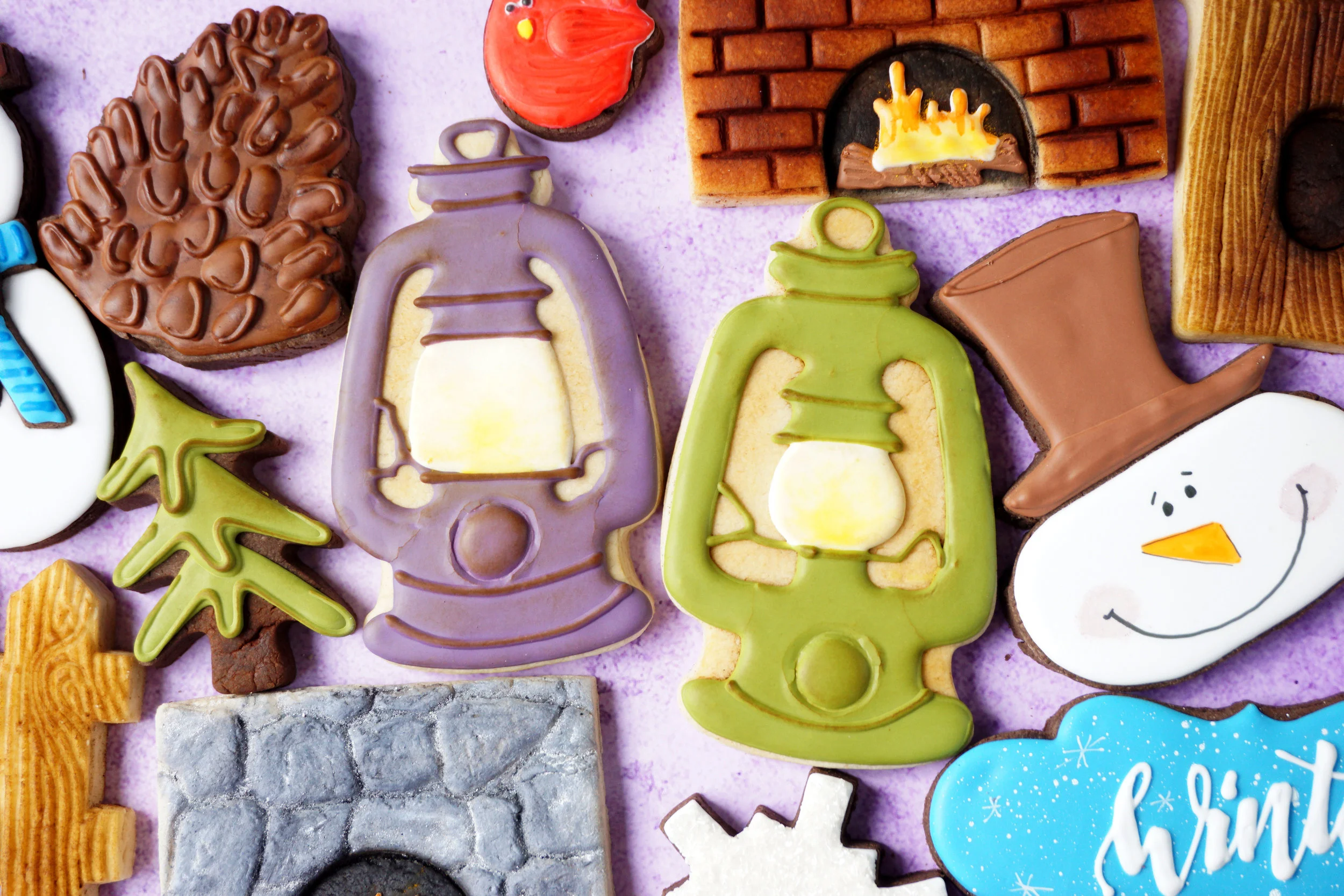
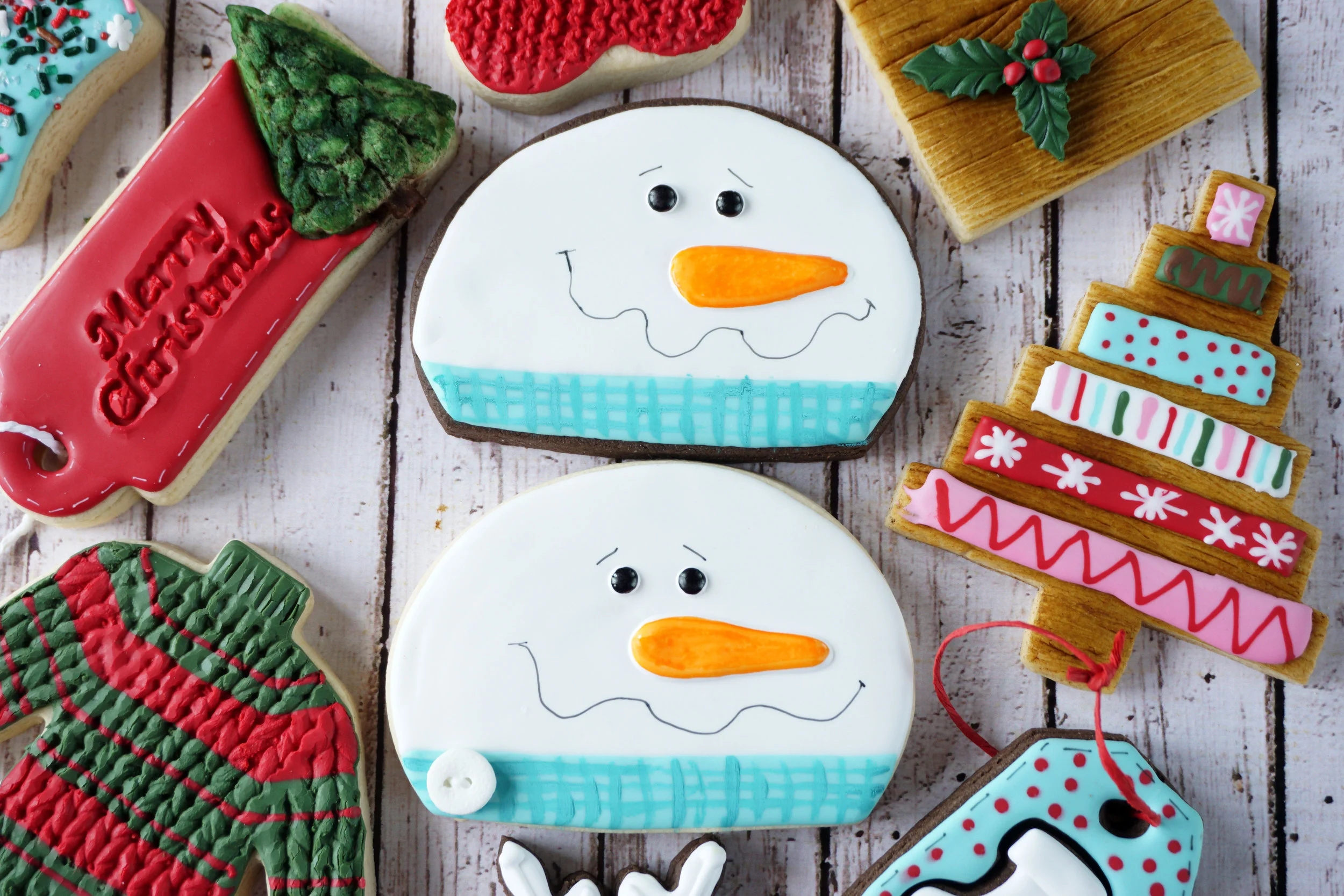
Here's how I started all of these shapes......lots of white snow, and then fun hats and scarves.

I tried to add some texture to the accessories.

And then after they dried overnight, I added the faces with markers.
(Jet Black Rainbow Dust dual marker, and Food Doodler markers for color)


Happy snowmen......just the way I like them. :)


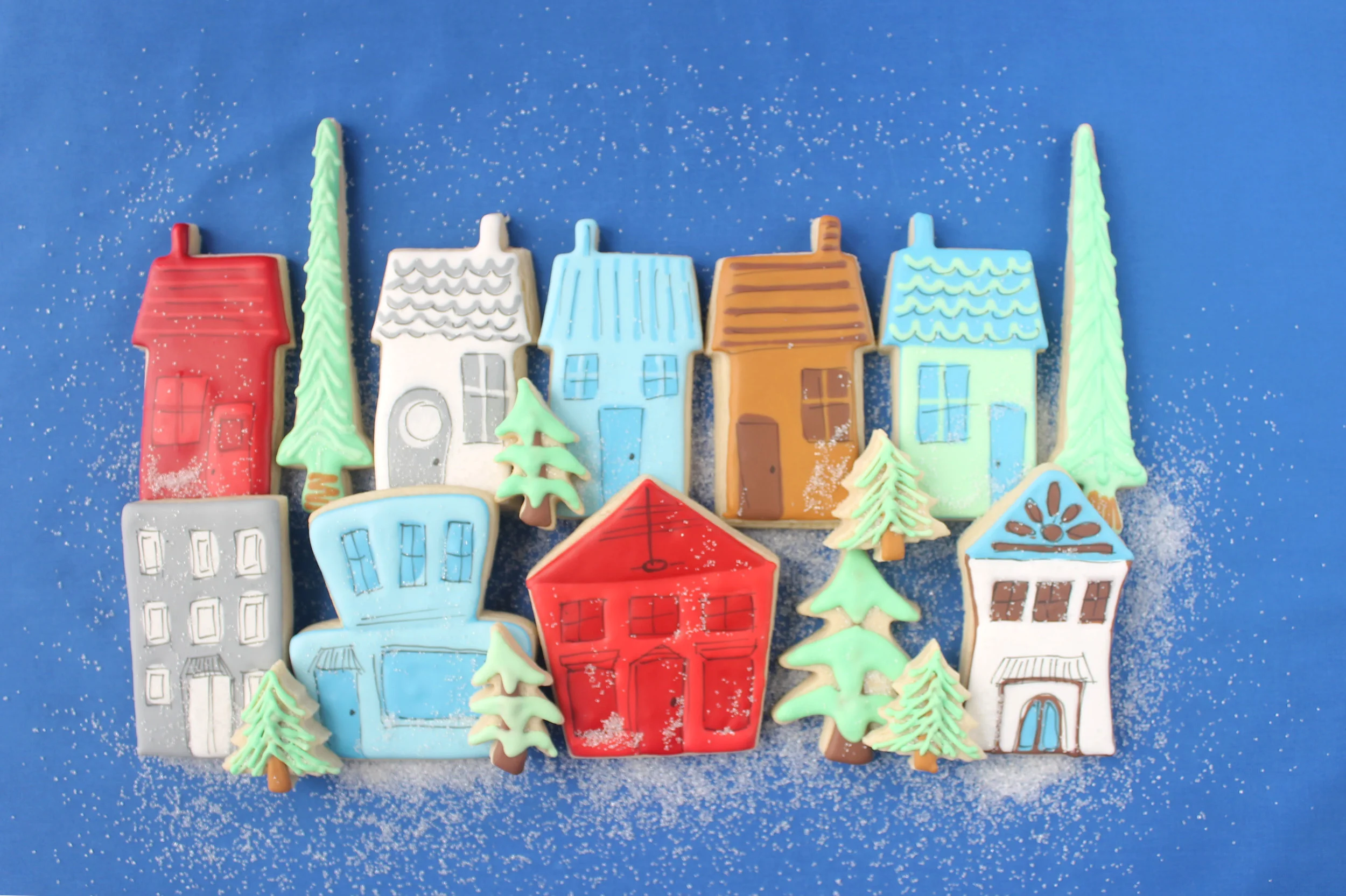
O Holy Night Christmas Village Decorated Cookie Collection

For several months, I've been dreaming of doing "main street" / "village" type cookies.
I attempted them in autumn HERE.
I wasn't pleased with that set and have been determined to "get it right" at Christmas time.
Honestly, I think the white sanding sugar "snow" in the photo above
is what made them work for me. haha

Cutters Used:
House Cutter
Pocket, Pencil, & Wedding Cake Cutters from Sugarbelle's Shape Shifters

Since I used wet-on-wet technique, I needed to ensure that I had two colors of each hue that were close enough to provide a  slight shadow with each detail.
Here's the colors used for all the buildings and trees.
Notice the small variations of each hue.

I flooded each cookie (excpet for the windows and doors) and then filled those in with the contrasting color. Next I added various lines, waves or window dividers.

They dried overnight and then I used a black food color marker to add small details.
The details are sloppy..... but this style warrants it.
That suits me well since I often feel like sloppy is the effect I get whether I'm trying or not. 😉


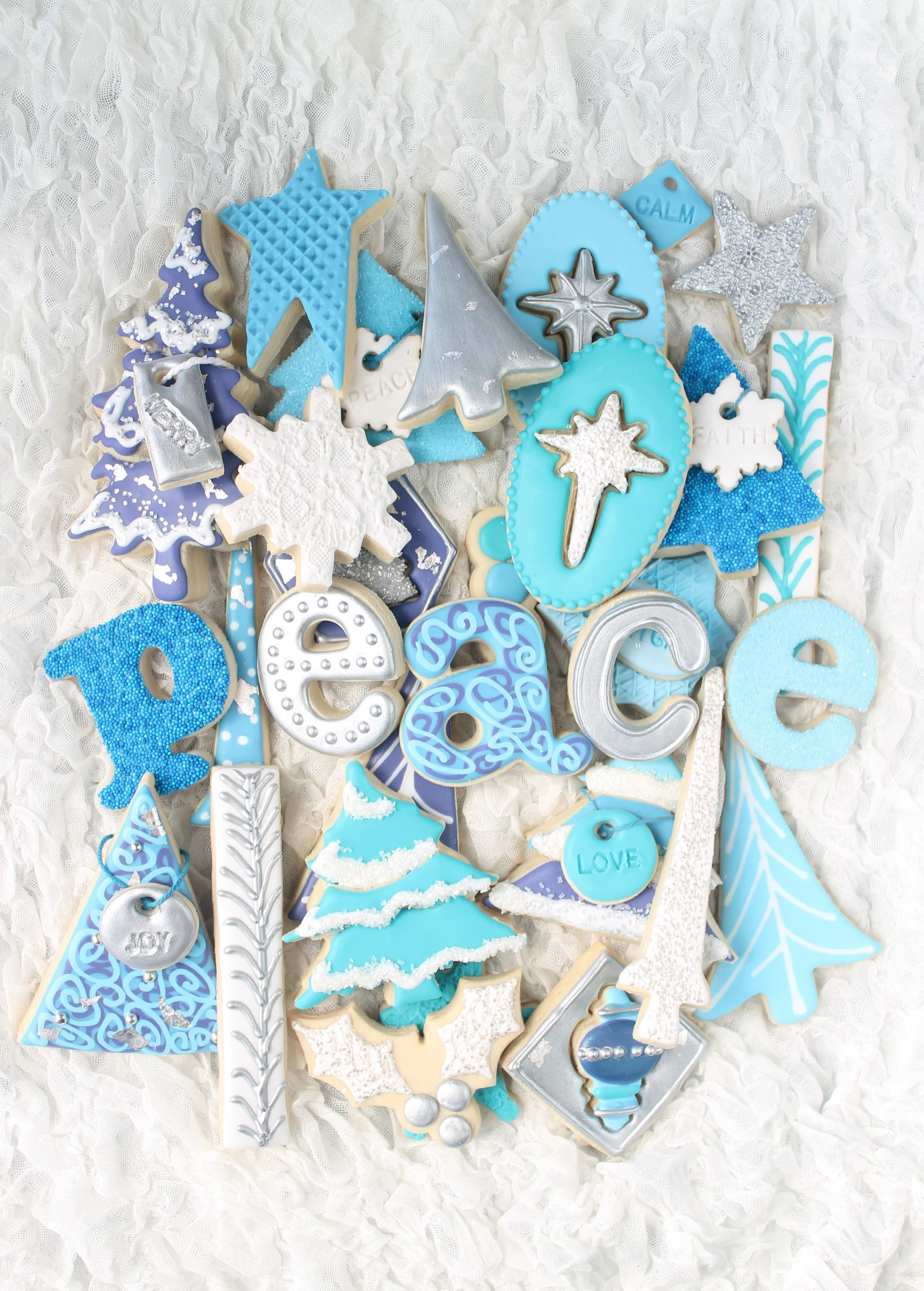
Framed 3D Christmas Shape Decorated Cookies (Tutorial)

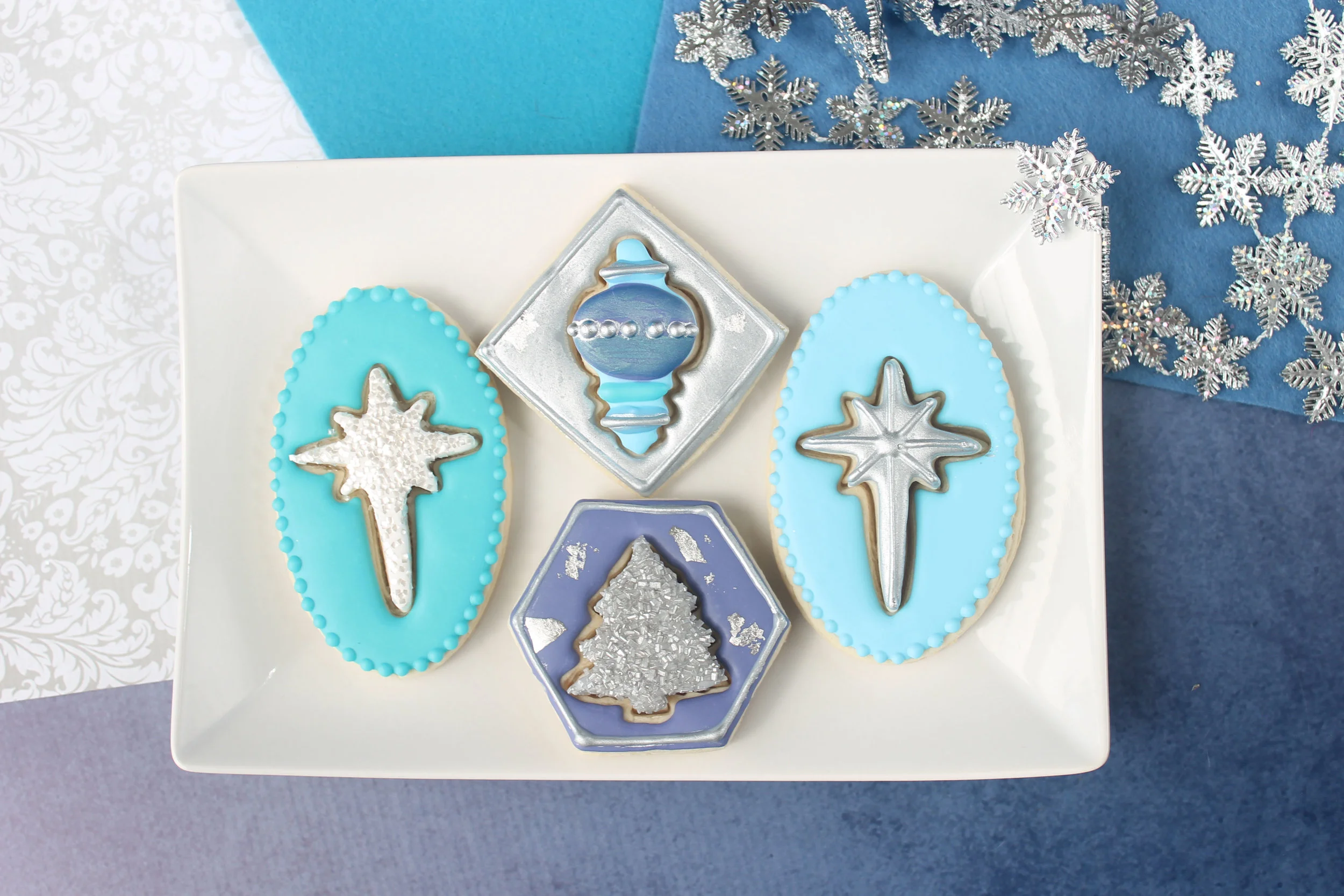
These cookies add dimension by using mini Christmas cutters.
(I own more than my share.....and it was fun to finally use a few.)

Plan ahead by finding the best background cookie to accommodate the mini-Christmas shape you've picked out. As you can see, the star needed a longer base, so I chose the long oval. Each mini-shape has it's unique needs for the surrounding base cookie.

The cutting out of the mini-Christmas shape can be as simple as just impressing the cutter into the base cookie before baking. But you can also add more dimension by cutting a very thin dough version of the mini-shape and place it on top of the cookie.
(see photo below)

Once the cookie is baked and cooled, start decorating the shape in the middle. There are so many possibilities on how to make it stand out and give it "bling". For the cookie below, I first flooded the cookie with white glaze and then sprinkled edible glitter white squares on top. (Warning: they tend to wander all over the house!)
But as you can see, there is a plethora of sprinkles and dusts you can utilize to add that special touch.

After this Christmas tree was flooded with white glaze, it was covered in Silver Pearlized Sugar Crystals

Once the middle shape is complete, outline and flood the background cookie.

If desired, you can also choose to make the background have all the bling/shine, and leave the middle shape plain.

To add some sparkle to a dried decorated cookie,
you can paint with a silver dust mixed with vodka or almond extract.

These cookies are simple, yet elegant and pretty at the same time.

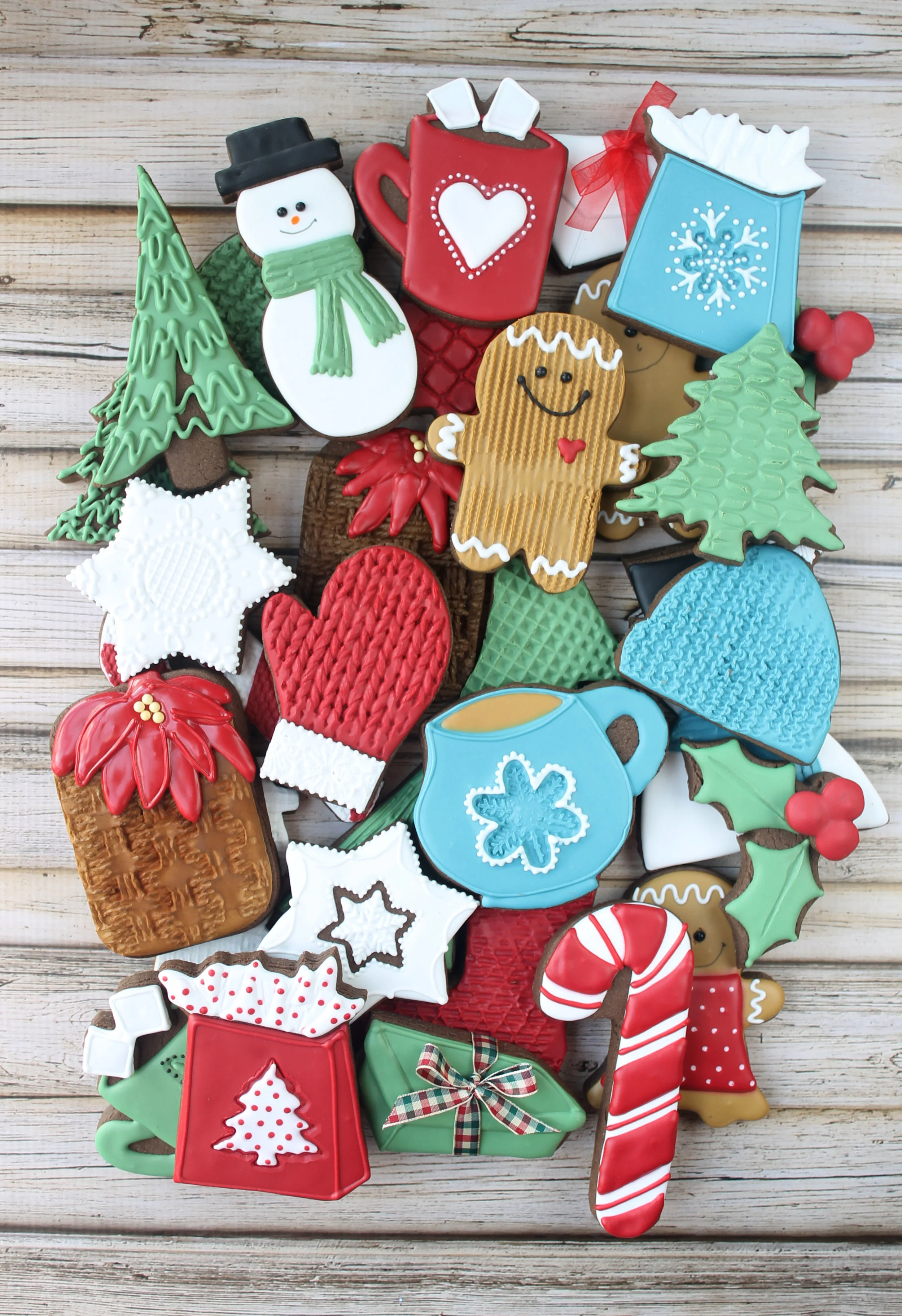
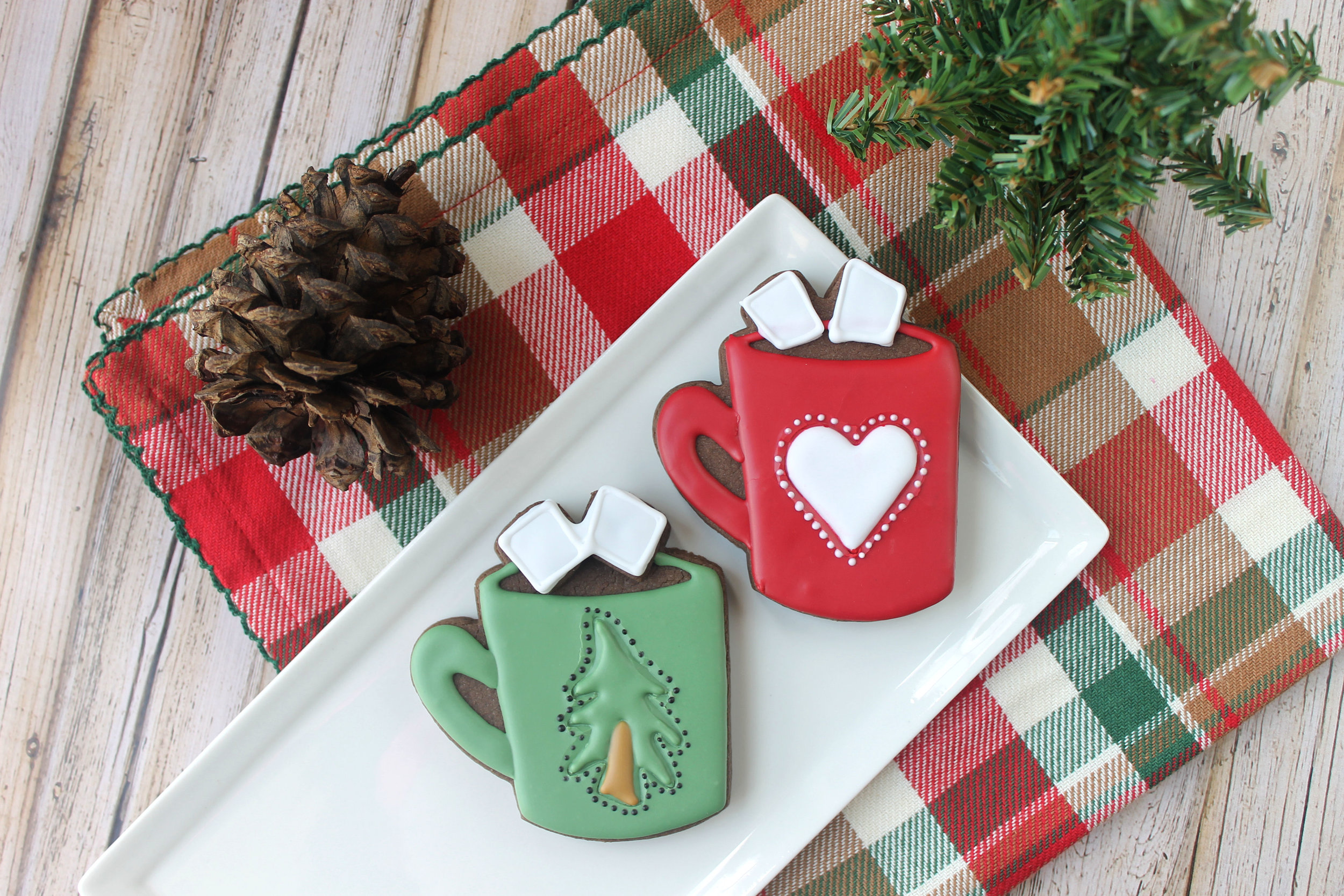
Holiday Hot Chocolate Mug Decorated Cookies (Tutorial)

I'm a huge fan of hot chocolate.

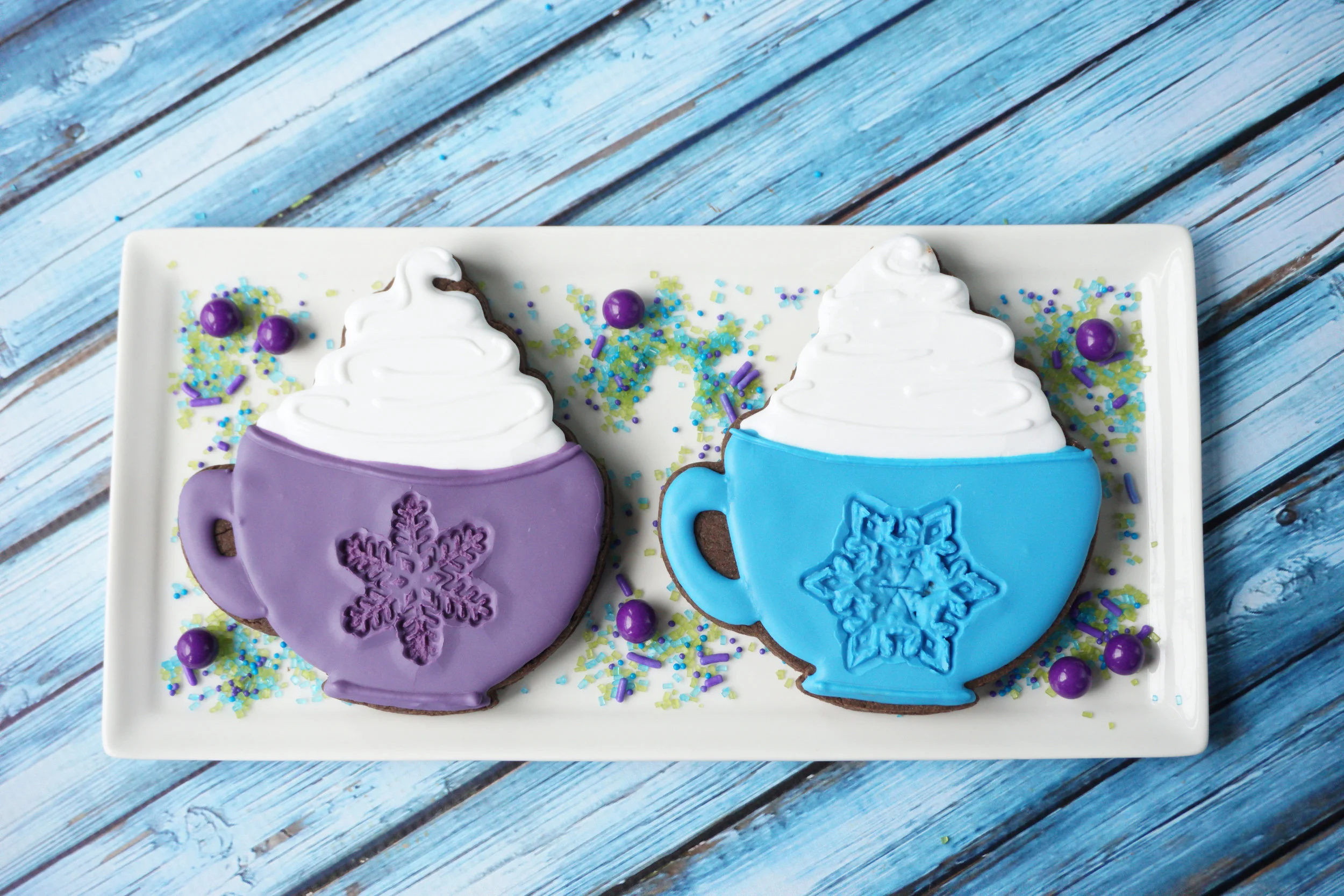
And I'm also a huge fan of this adorable mug cookie cutter from That's A Nice Cookie Cutter.


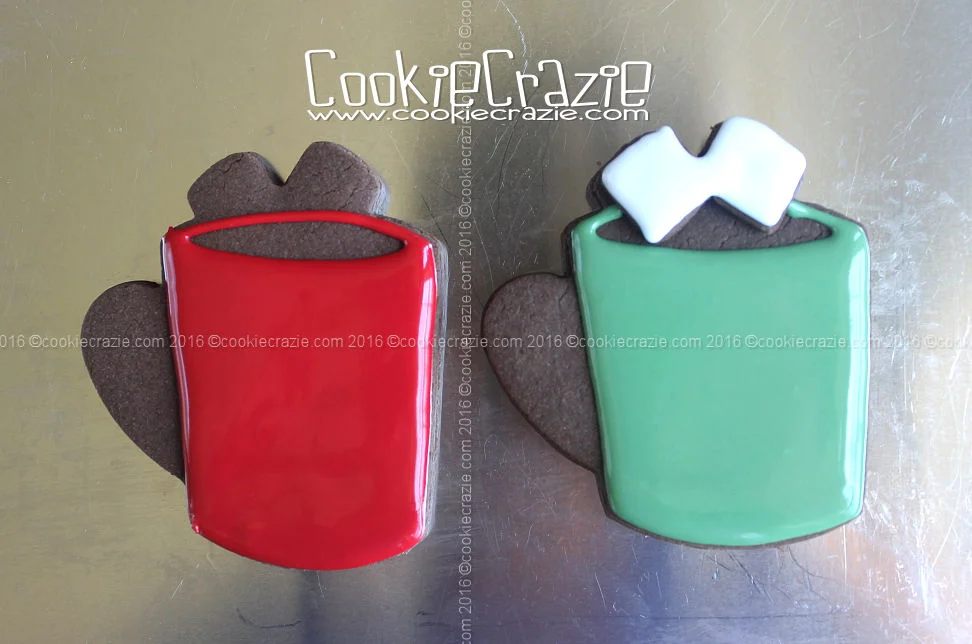
Because I'm CRAZIE about adding a 3D effect to most cookies, I added an extra thin layer of cookie dough to the marshmallow spots on these cookies.
Notice in the photo below that I used the top of the cutter to help make the marshmallow additions just the right size.

Outline and flood the mug portion of the cookie.
Add white glaze to form the marshmallows.

After some dry time, add the mug handles.
Outline the marshmallows to help them stand out even more.

Once the mug has dried for about 2 hours,
use an appropriate-sized cutter to imprint on the front of the mug.
Any Christmas-y shape will work well.

If desired, you can pipe detail elements around the impression to make it "pop".

 
Member Login
Welcome, (First Name)!

Forgot? Show
Log In
Enter Member Area
My Profile Not a member? Sign up. Log Out